
The Mobile Star Rewards App
The app that gets you more
15 Years of the Best Rewards in your pocket
The Mobile Star Rewards App gets you more – more offers, more ways to win and more chances to enjoy all The Star has to offer
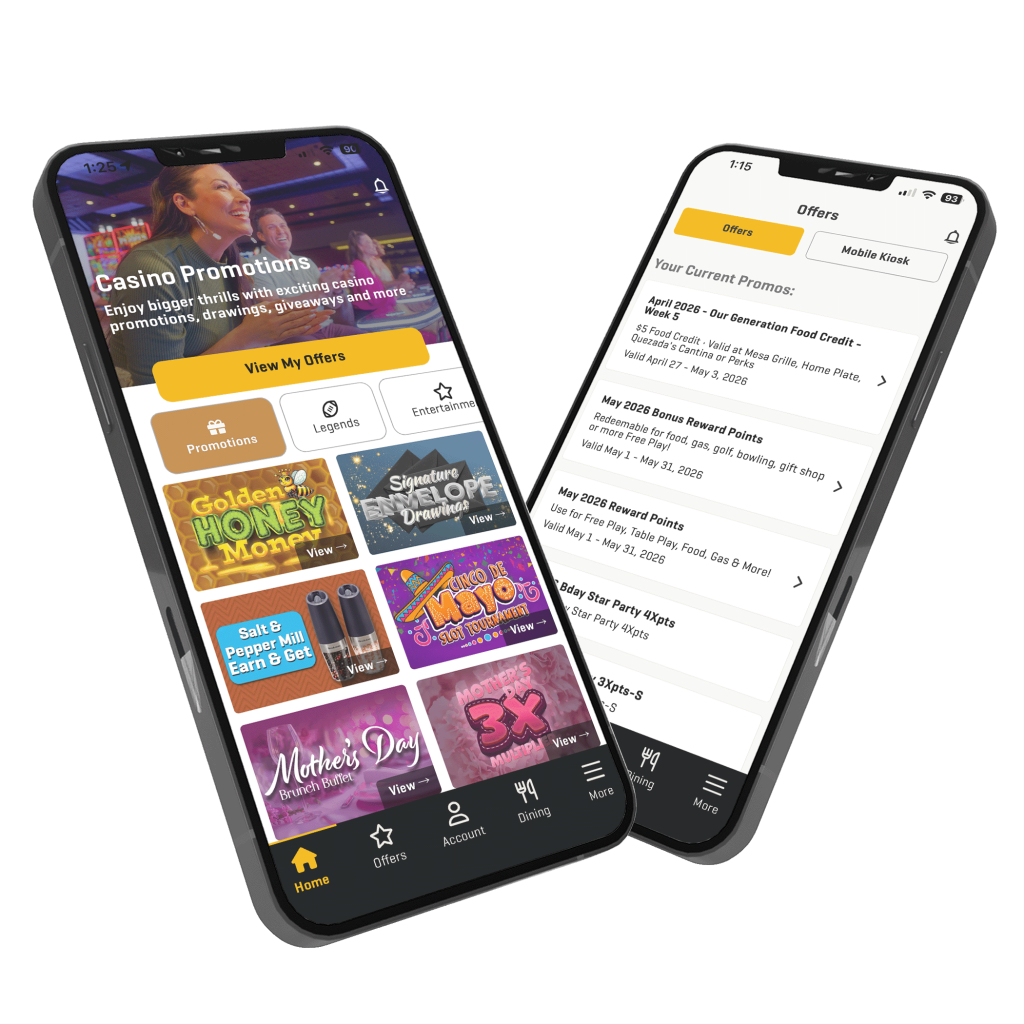
Promotions & Offers
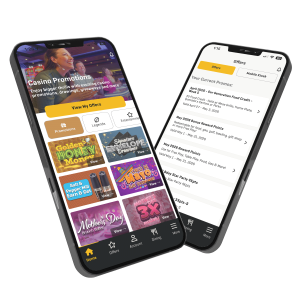
Access all your current Santa Ana Star promotions & offers anytime. Receive notifications when your offers are ready to redeem and receive location-based offers on the spot
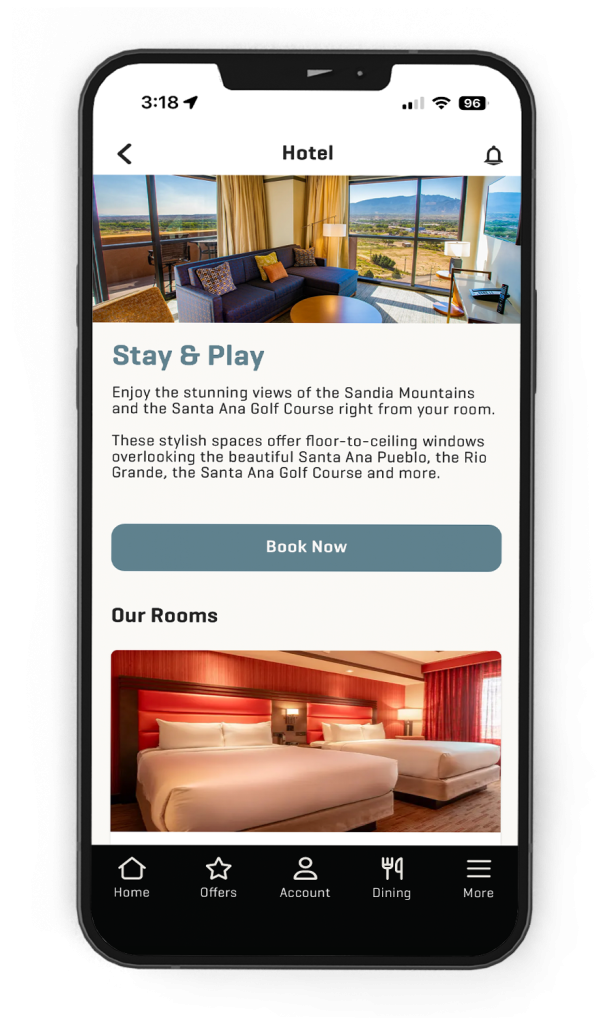
Your Room is Just a Tap Away
Booking your hotel stay with your monthly offer is just a tap away when you log into your account on the app
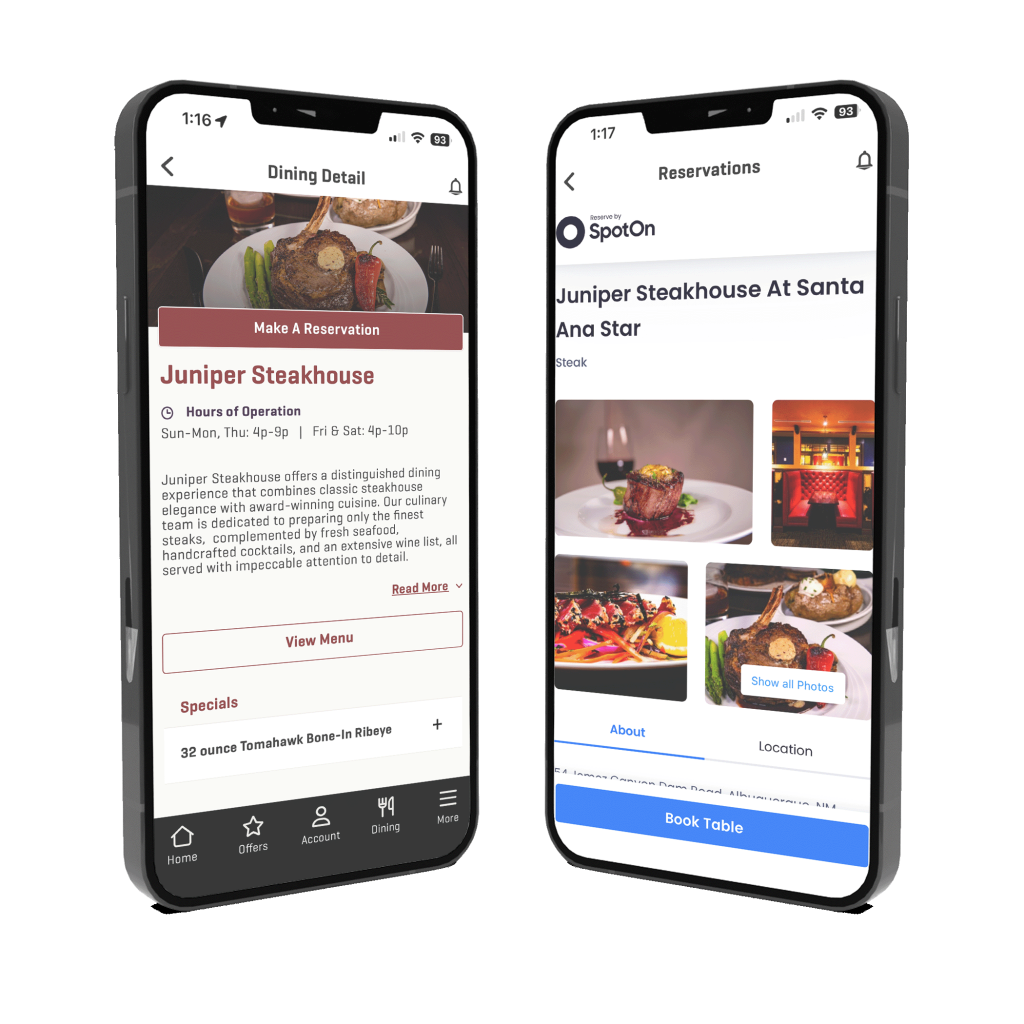
Make a Reservation
Save time planning your night out and make your dinner reservation at Juniper Steakhouse straight from the app

Get Quezada's Comedy Tickets
See who’s coming next to Quezada’s and purchase tickets anywhere, anytime. Get special discounts and exclusive early access to comedy shows, holiday buffets & more
Additional Perks
Reserve a Lane
Reserve a lane at Starlight Bowling quick and easy, right from the app
Skip the Kiosk
Activate gift giveaways, Community Breakfast Offers and more without visiting a kiosk
Check Your Entries
View your entries into Casino drawings from anywhere
View Dining Menus
View the menu for all Santa Ana Star venues to see what’s cooking
Contact Your Host
Get in touch with your Casino Host straight from the app
Plan Your Stay
See the upcoming Quezada’s lineup, dining specials or who’s performing at Lounge 54
App Enhanced Promotions




Mobile Star Rewards FAQ
How do I download the Mobile Star Rewards App and log in with my Star Rewards Number?
To download the Mobile Star Rewards App follow these instructions:
- Go to either the App Store (iPhone) or Google Play store (Android)
- Search “Mobile Star Rewards”
- Download the Mobile Star Rewards App (You will be asked for your Apple or Google Play account password)
- Once the Mobile Star Rewards App has downloaded on your mobile device, tap the app icon on your home screen to open it
- Login using your Star Rewards Number, Birthdate and 4-digit PIN
- Start receiving offers, making reservations and more
How do I opt-in to receive push notifications from Santa Ana Star?
To receive push notifications from your Mobile Star Rewards App, please review the following instructions:
- For iOS Users
- Go to your phone settings
- Tap on “Notifications”
- Select “Mobile Star Rewards”
- Tap “Allow Notifications” and the button will switch to green
- Begin receiving mobile exclusive offers, property notifications, VIP announcements and more
- For Android
- Go to your phone settings
- Tap on “Notifications”
- Select “Mobile Star Rewards”
- Tap “Show Notifications” and the button will switch to blue
- Begin receiving mobile exclusive offers, property notifications, VIP announcements and more
How do I opt-in to receive app-exclusive offers & redeem my monthly offers on the app?
To receive app-exclusive offers & redeem your monthly offers on the Mobile Star Rewards app you must have your location services turned on. To turn on your locations services please review the following instructions:
- For iOS
- Open “Settings” on your iPhone
- Scroll down and tap on “Mobile Star Rewards” in the list of apps installed on your phone
- Tap “Location”
- Tap “Always” and the button will switch to green
- For Android
- Open “Settings” and your Android device
- Tap “Apps” and then “Mobile Star Rewards” in the list of apps installed on the phone
- Select “Permissions”
- Turn on “Location” by toggling the button to the blue “On” position
Can I use the Mobile Star Rewards App to check-in for drawings & giveaways?
In most cases, no, you will not be able to check-in for our weekly cash drawings & giveaways using the Mobile Star Rewards app. Certain app-exclusive drawings & giveaways may require you to use the app for checking in so be sure to check out every promotion and look for the push notifications so you don’t miss your chance to participate.
Can I sign up for a Star Rewards membership in the Mobile Star Rewards App?
No, you cannot sign up for a Star Rewards Club membership on the Mobile Star Rewards App. To sign up for a Star Rewards Club membership stop by the Players Club on your next visit and our friendly team members will be happy to sign you up.
What login information do I need to log into the Mobile Star Rewards App?
To log into the Mobile Star Rewards App you will need the following information:
- Star Rewards Number (found on your physical Star Rewards Card)
- Birthdate (using the format MMDDYYYY – no slashes)
- 4-Digit PIN (same PIN you use to access your account on a Fast Rewards Kiosk)
Can I use the Mobile Star Rewards App if I’m not a member of the Star Rewards Club?
Yes, you can use the Mobile Star Rewards App if you are not a Star Rewards Club member. The app can help you explore all Santa Ana Star has to offer including booking a hotel room, making a Juniper Steakhouse reservation or purchasing Quezada’s tickets. In order to access personalized offers, special app-only promotions or receive exclusive early bird ticket offers and discounts you will need to log into your Star Rewards account or visit the Players Club to sign up.
My account balance in the Mobile Star Rewards App is incorrect, what do I do?
If your account balance is different than what it should be, please note it can take up to 24 hours for our system to sync your information. If you still do not see the correct information please reach out to us here (hyperlink to special app contact us form) so our team can look into the issue.
How do I book a room in the Mobile Star Rewards App using my monthly offers?
To book a hotel room on the Mobile Star Rewards App using your monthly offers follow these instructions:
- Tap on “Offers” at the bottom of the screen
- Scroll down until you see the monthly hotel offer you wish to redeem
- Tap on the offer
- Once you are on our hotel booking system select the offer you wish to redeem
- Follow the instructions on the screen to continue booking your hotel room
How do I view my Star Rewards account balance and Free Play in the app?
To view your Star Rewards account balance and Free Play in the app tap on “Account” at the bottom of the screen. From there you will see your Reward Points balance, Free Play balance, Tier Credits, Credits till next tier information and more.
Why can’t I see my offers on the Mobile Star Rewards App?
If you are unable to see your offers on the Mobile Star Rewards App it could be that your location services are turned off. Follow these steps to ensure that your location services are turned on:
- For iOS
- Open “Settings” on your iPhone
- Scroll down and tap on “Mobile Star Rewards” in the list of apps installed on your phone
- Tap “Location”
- Tap “Always” and the button will switch to green
- For Android
- Open “Settings” and your Android device
- Tap “Apps” and then “Mobile Star Rewards” in the list of apps installed on the phone
- Select “Permissions”
- Turn on “Location” by toggling the button to the blue “On” position
I already have an account on the Star Rewards Player Portal, why do I need to download the Mobile Star Rewards App?
The current Star Rewards Player Portal has been a great tool over the years, it was limited in its ability to give our guests a better Santa Ana Star experience. Transitioning to the Mobile Star Rewards App allows us to give you more access to your monthly offers, exclusive promotions and so much more. The current Player Portal will be turned off and you will be unable to access that information on August 1, 2026.
What will happen to my Star Rewards Player Portal account?
The current Player Portal will be turned off on August 1, 2026 and you will be unable to access your account.
Will I still receive a monthly mailer with my offers or does this replace the mailer?
Yes, unless you have opted out of receiving mail you will still receive your monthly newsletter in the mail.
Will I be able to access my win/loss statements on the app?
No, win/loss statements will not be available on the Mobile Star Rewards App. To request your yearly win/loss statement call us at 505.867.0000